8/03/2026

CG100X Disable 2018+ JLR AKL Alarm by Flashing BCM EEPROM

Adding a new style smart key for the 2018+ Jaguar Land Rover models is relatively simple, and many devices can do it. However, if all keys are lost, the RFA module or chip needs to be replaced.

For beginners, replacing the RFA module/chip can easily damage the module.

You can use the CG100X programmer to refresh the 8-pin chip data on the 95128 chip inside the BCM to disable the active alarm.
If the alarm is not disabled, the entire vehicle will have no communication.

CG100X Disable 2018+ JLR AKL Alarm 1

How to disable 2018+ JLR all keys lost active alarm with CG100X by flashing the BCM chip 95128?

The gateway and BCM are integrated into one unit.

CG100X Disable 2018+ JLR AKL Alarm 2
This chip is the gateway, and this is the BCM.
The chip we need to flash is this BCM chip.

CG100X Disable 2018+ JLR AKL Alarm 3

CG100X Disable 2018+ JLR AKL Alarm 4

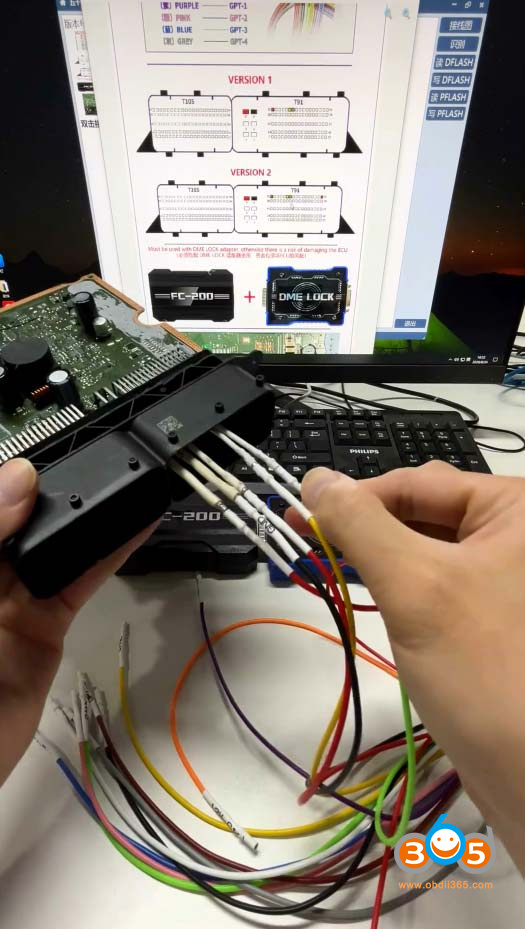
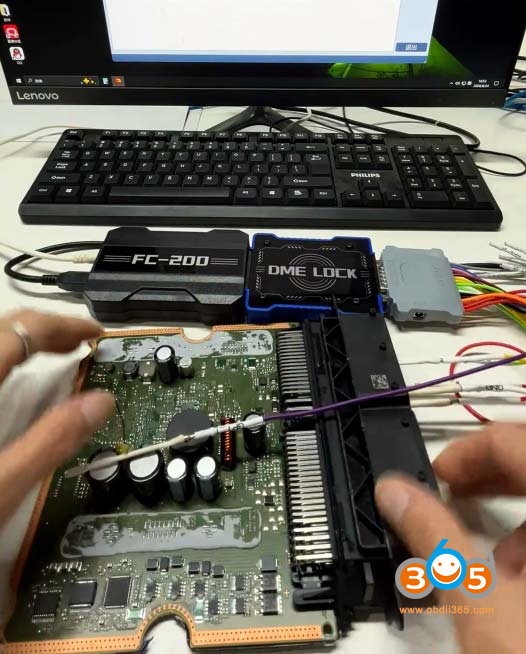
Follow the CG100X wiring diagram for connections.
Connect 8 wires on the BCM.

CG100X Disable 2018+ JLR AKL Alarm 5

CG100X Disable 2018+ JLR AKL Alarm 6
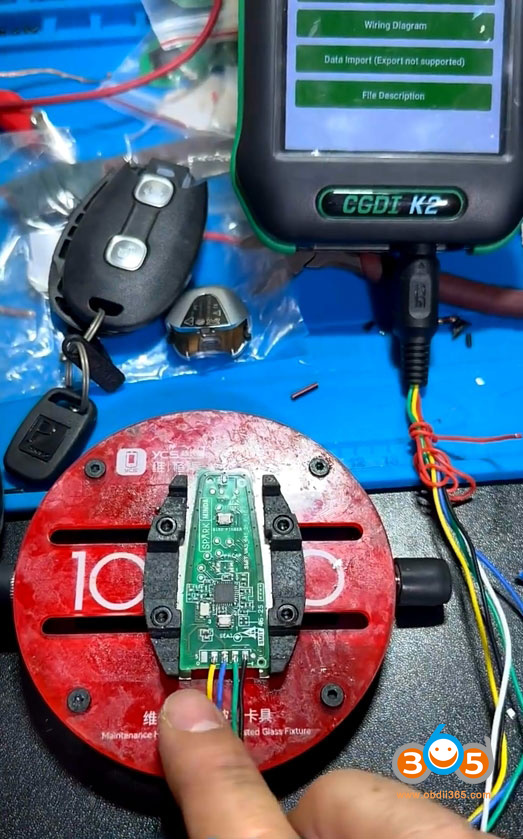
Then connect the EEPROM adapter to the CG100X device.

Go back to the CG100X software, select 8-pin chip – 95X – 95128.

CG100X Disable 2018+ JLR AKL Alarm 7

CG100X Disable 2018+ JLR AKL Alarm 8

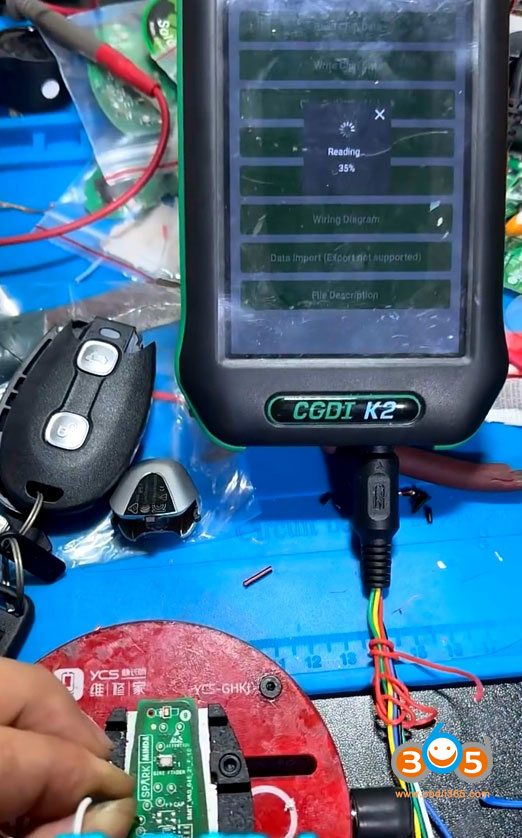
Read and save the chip data.
Then write the file that disables the alarm.

Different model years require different files. You will need a third-party source or contact CG technical support to obtain the correct flash file.
Write the flash file to the chip.

CG100X Disable 2018+ JLR AKL Alarm 9

This will disable the active alarm.
Reinstall the BCM module in the vehicle, and then proceed to program keys.