Tutorial: How to copy/clone a new smart Hyundai/Kia NCF29Ax NXP smart key using CGDI K2 key tool.
Tools used:
- CGDI K2 key tool
- Original smart key
- A new/used original key to be cloned
- CGDI K2 renew cable or godiag solder free adapter (coming soon)
*NCF29AG type is not supported yet.

Disassemble original Hyundai/Kia smart key.
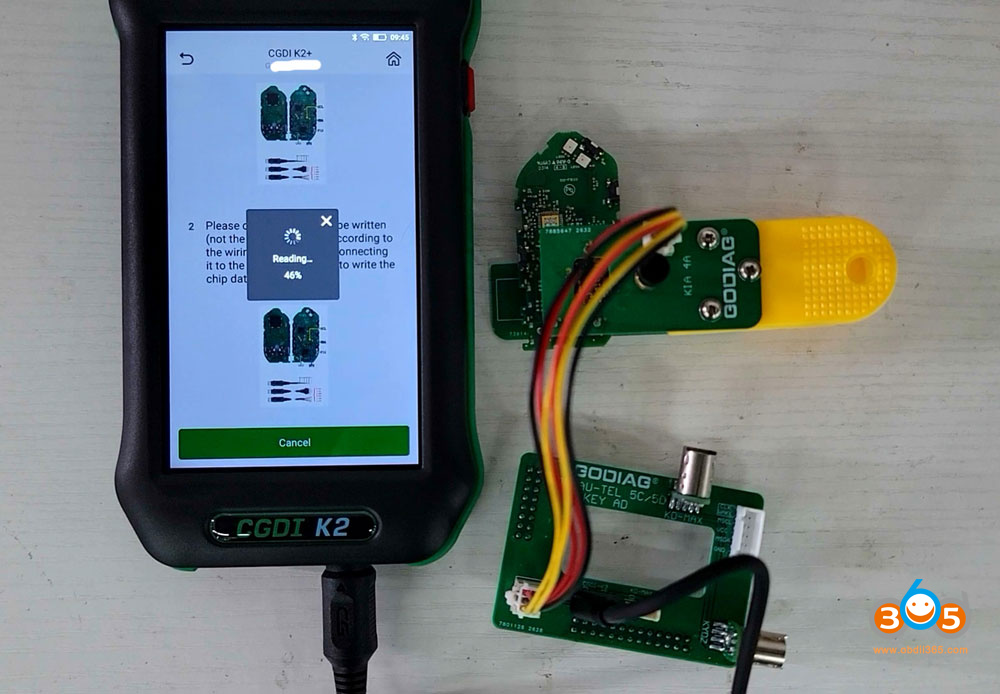
Align key circuit board to the Godiag clip adapter.
Connect godiag clip adapter with CGDI K2 device via godiag converter.
If don’t have Godiag solder free adapters, just solder renew cable wires to the key circuit board.
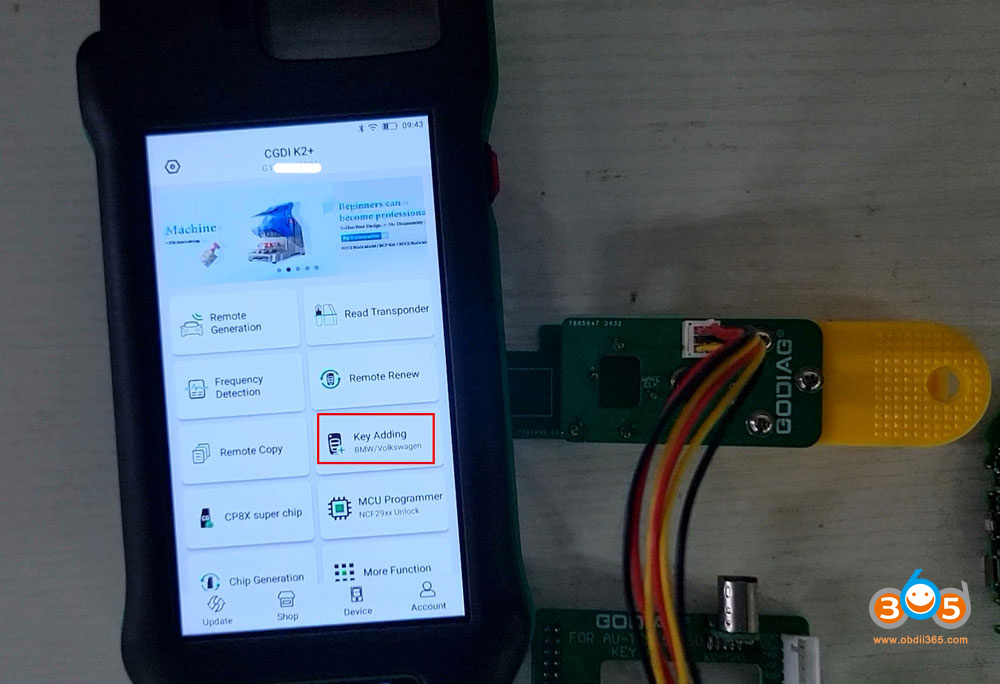
In CGDI K2, select Key Adding function.
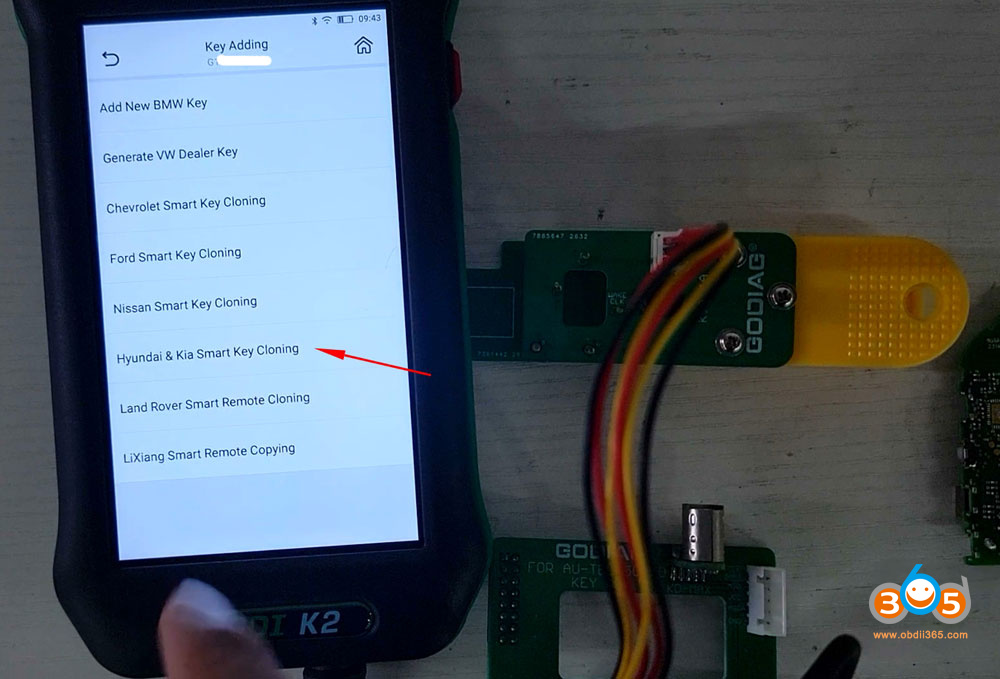
Choose Hyundai/Kia smart key cloning function.


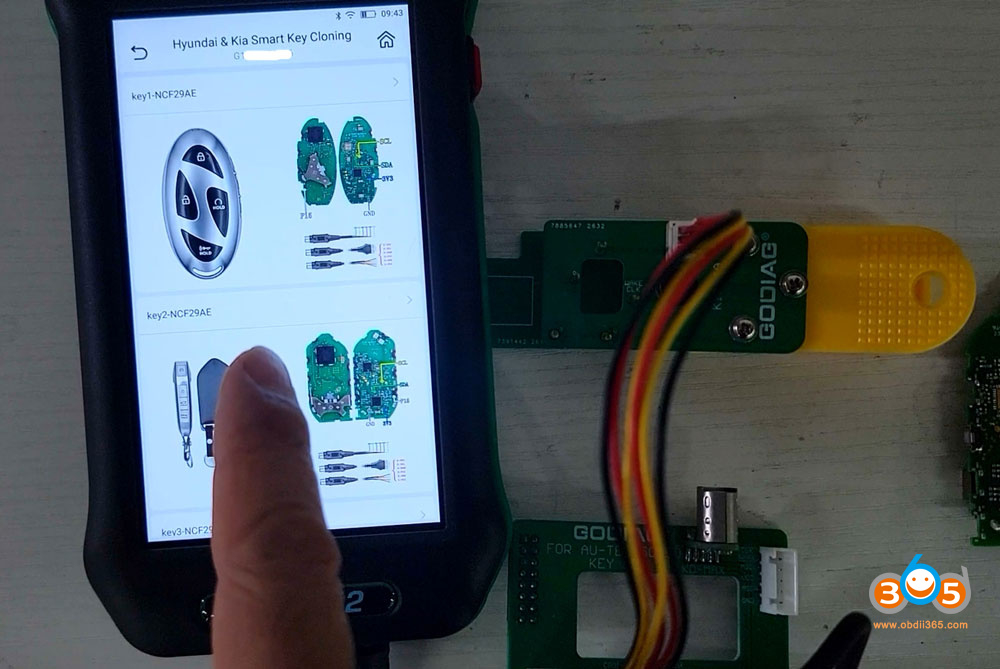
CGDI K2 will show key types and diagrams. Select one that matches your original key.

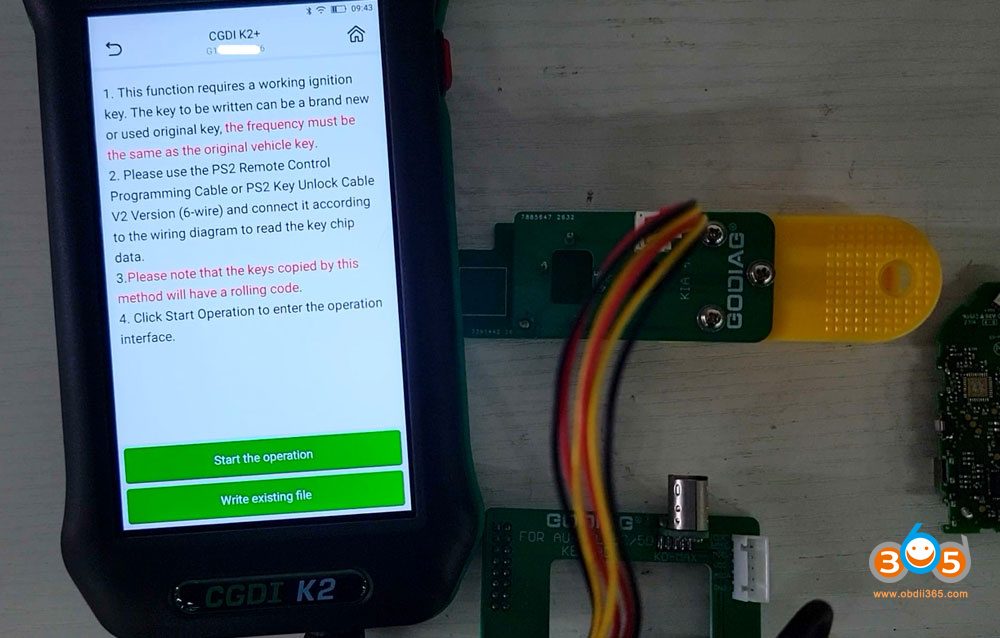
This function requires a working key. The key to be written can be brand new or used original key. The frequency must be the same as the original key.
Hit Start the operation.

Click Continue.

Read original key data in process.

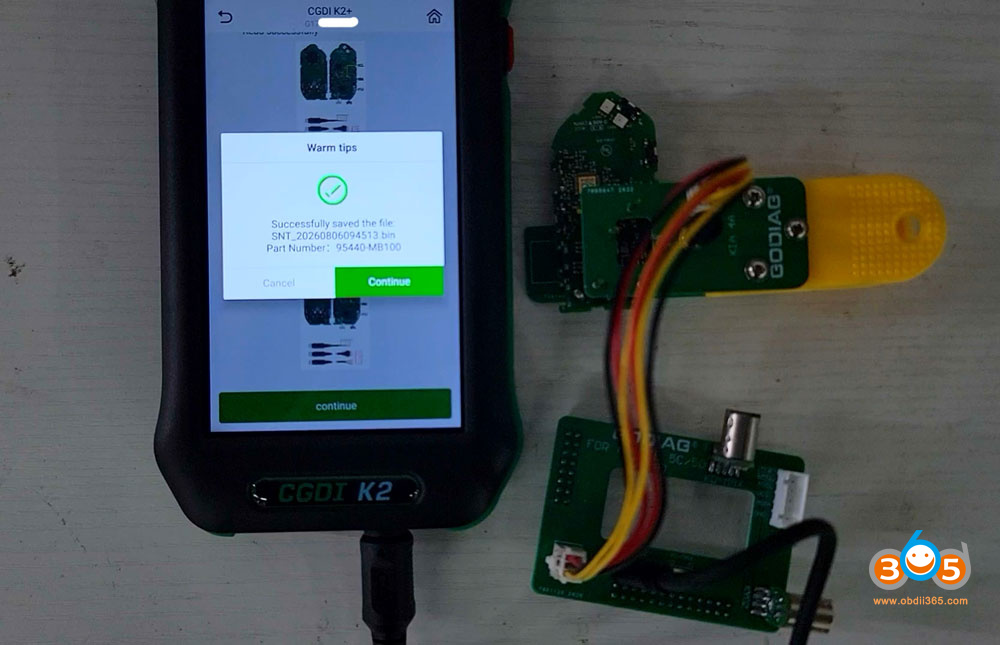
Read data completed.
Save original key data.

Then go back to previus menu and write key data to the a new/used original key.